Getting Started with Streaming: A Beginner's Guide
Learn the essential steps to start your streaming journey on Twitch, from setting up your equipment to building your first audience.
Getting Started with Streaming: A Beginner’s Guide
Starting your streaming journey can feel overwhelming, but with the right guidance, you’ll be live on Twitch in no time. This comprehensive guide covers everything you need to know to get started.
Essential Equipment
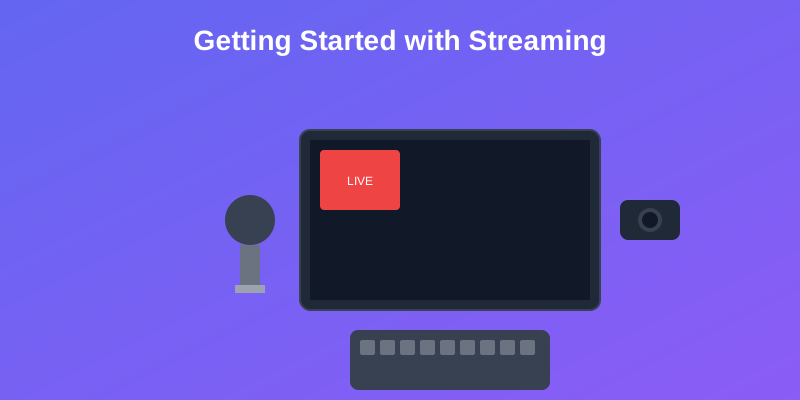
Before you go live, you’ll need some basic equipment:
Must-Have Items
- Computer or Console: Your gaming platform
- Microphone: Clear audio is crucial for viewer engagement
- Webcam: Helps build connection with your audience
- Stable Internet: Upload speed of at least 5 Mbps recommended
Nice-to-Have Upgrades
- Lighting: Improves video quality significantly
- Green Screen: For professional-looking backgrounds
- Stream Deck: Simplifies stream management
Setting Up Your Stream
-
Choose Your Streaming Software
- OBS Studio (free and powerful)
- Streamlabs (user-friendly interface)
- XSplit (premium features)
-
Configure Your Settings
- Resolution: 1080p for best quality
- Frame Rate: 30 or 60 FPS
- Bitrate: 3000-6000 kbps depending on your upload speed
-
Design Your Overlay
- Keep it simple and readable
- Include recent followers/donations
- Add social media handles
Building Your First Audience
Growing your audience takes time and consistency:
- Stream Regularly: Set a schedule and stick to it
- Engage with Chat: Respond to every message when possible
- Network with Other Streamers: Collaborate and support each other
- Use Social Media: Share highlights and updates
Common Beginner Mistakes
Avoid these pitfalls:
- Streaming inconsistently
- Ignoring chat messages
- Playing oversaturated games without a unique angle
- Expecting overnight success
Next Steps
Once you’re comfortable with the basics:
- Analyze your stream performance with tools like StreamerXP
- Experiment with different games and content
- Consider upgrading your equipment
- Join streaming communities for support and advice
Remember, every successful streamer started exactly where you are now. Stay consistent, be authentic, and most importantly, have fun!
Ready to take your streaming to the next level? Try StreamerXP’s AI-powered analysis to get personalized insights about your content and audience engagement.
Related Posts
You might also be interested in these articles
What Top Streamers Do Differently: A Data-Driven Look at Engagement on Twitch
We analyzed hundreds of Twitch streams to find what separates top creators from beginners. See how pros talk, engage chat, and boost energy per hour.
Streaming Equipment Guide: Build Your Perfect Setup
From budget-friendly starter kits to professional-grade setups, discover the essential equipment every streamer needs to create high-quality content.
Stay Updated
Get the latest streaming tips and insights delivered to your inbox. Join our community of streamers!
No spam, unsubscribe at any time.